Overview
PF2e Framework is a custom macro set that aims to adapt the Pathfinder Roleplaying Game’s second edition ruleset for use in MapTool Virtual Tabletop. I developed the framework over the second half of 2021 to facilitate running games virtually for my long-term tabletop group.
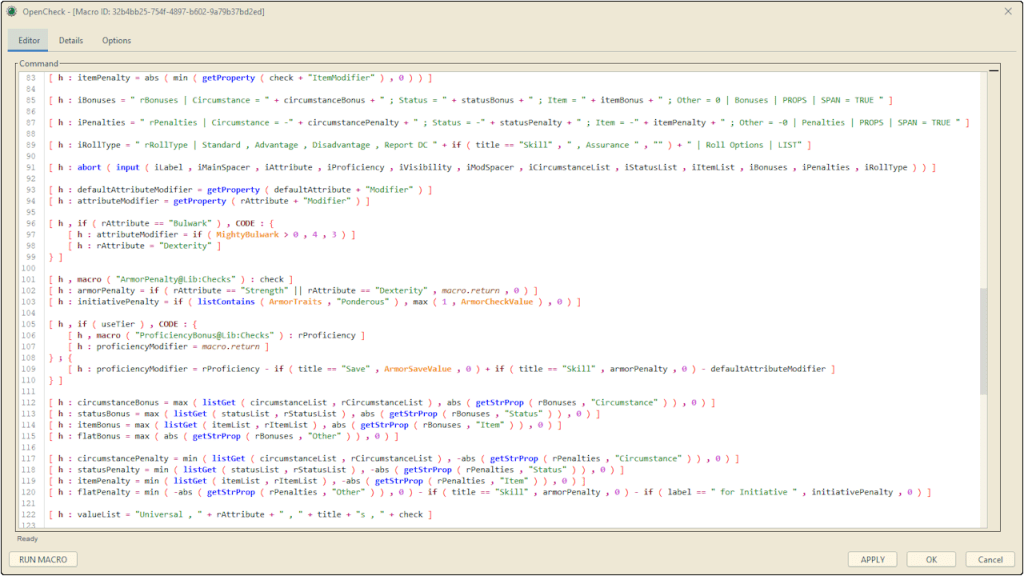
MapTool is an open-source Java-based application that allows users to play tabletop games online. It’s namesake feature is its virtual map, which allows groups to simulate tactical combat without the need to purchase a physical map or miniatures. It also was one of many programs that players turned to as the COVID-19 pandemic disrupted in-person games.
MapTool does not support a default ruleset, and will appear sparse when opened to an empty campaign file. Instead, users can either import or define their own rulesets by adjusting the default campaign settings and adding macros.
Macros are written using MapTool’s scripting language. They can reference each other, pass arguments, and provide return statements, creating an experience similar to JavaScript.
Macros are invoked using customizable buttons and sorted into global macros tied to the client, macros only visible to the gamemaster, and macros available to all players.
The Framework currently exists in its fourth incarnation, and was developed using feedback gathered from weekly play-tests conducted with my tabletop group.
Design
The Pathfinder Roleplaying Game’s second edition ruleset is a complex math-heavy ruleset that places breadth over depth in its design. Most of the game’s complexity derives from player input, making it easy to automate basic actions but difficult to develop a comprehensive user interface.
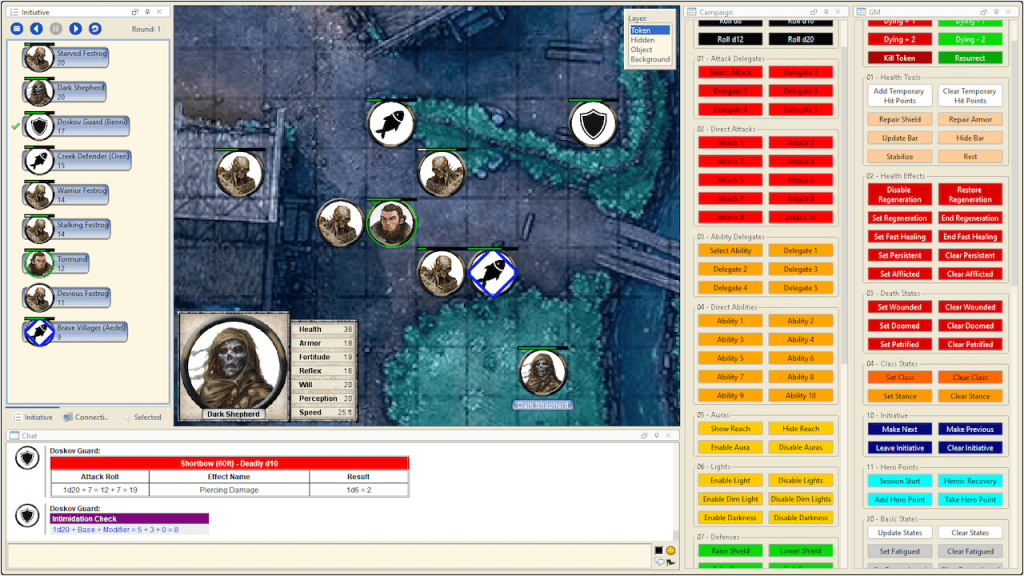
To keep things simple, I designed the Framework to provide players with an accommodating interface that allows them to decide how much they want automated.
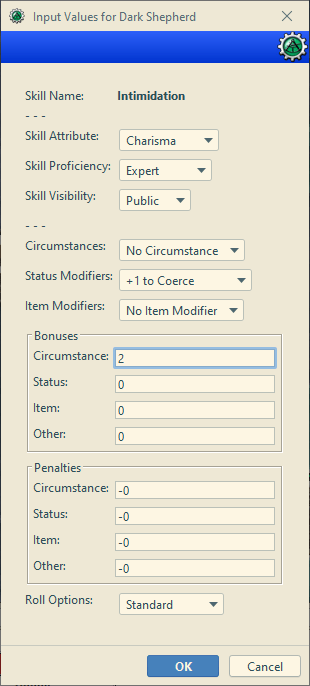
For example, the skill check window shown on the right features options to adjust the check’s core features like its attribute, proficiency value, and all three types of bonus and penalty. Each value has a default that can be set using the player’s token settings, which are then optionally overridden using the input window. Only the penalties applied by status effects are excluded from this process, as they are usually simple and should apply by default.
 Sydney Fonderie